How to Sell on Vinted UK: A Step-by-Step Guide for Sellers (2026)
How to sell on Vinted in the UK, and how Vinted works for sellers: list for free, ship with a prepaid label or QR code, get paid after delivery. Postage, offers, payouts and rules, with examples in pounds.

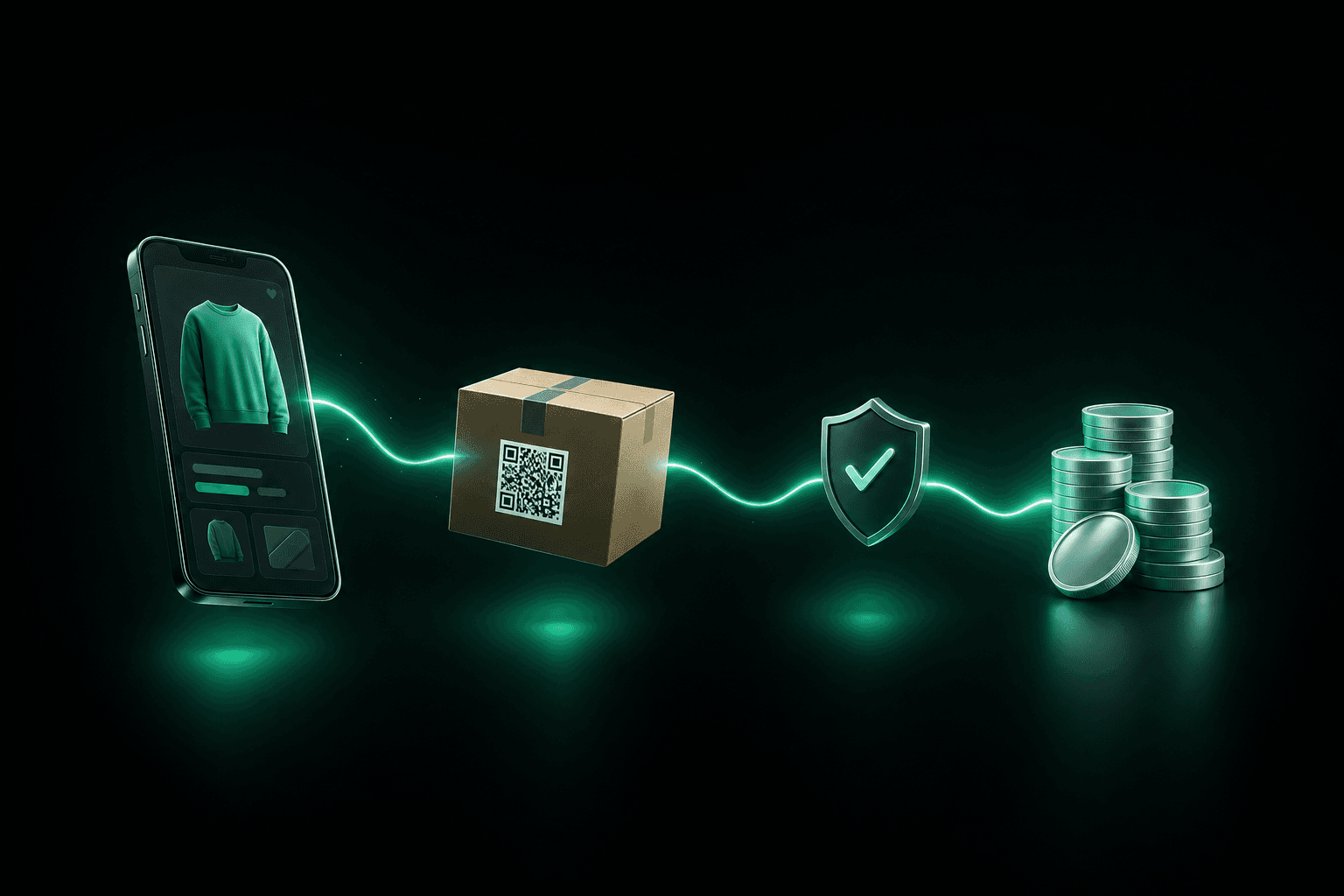
To sell on Vinted in the UK, you create an account, activate your Vinted Balance, list an item with photos, a title, a description and a price, and wait for a buyer to check out with the "Buy now" button. Vinted then gives you a prepaid postage label or QR code, you post the parcel within 5 business days, and once the buyer confirms (or 2 days pass) the money moves from "Pending balance" to "Available balance" within 2 days, ready to withdraw to your UK bank account. Sellers pay no selling fees: the buyer pays the item price, postage and a separate Vinted fee.
That is how Vinted works for sellers in one paragraph. The rest of this guide covers the details that catch beginners out: accepting an offer, posting without a printer, waiting for your money, buyer issues, and the line between clearing out your wardrobe and running a business. Everything comes from Vinted UK's own help pages, terms and price list.
Vinteer is not affiliated with Vinted
This guide summarises Vinted's public UK help pages, user terms (version applicable from 08-10-2026) and price list (last updated 08.10.2026), as read on 7 November 2026. Vinted can change its rules and prices at any time, so check the linked Vinted pages before you rely on a detail.
How to sell on Vinted UK: the short version
- Sign up with email, Google, Apple or Facebook. You must be 18 or over, and you can only have one standard account.
- Activate your Vinted Balance (profile icon, Balance, Activate Balance) so you can be paid.
- List your item: up to 20 photos, a clear title, an honest description, category, brand, condition, price and parcel size.
- Handle offers and questions in the conversation. Nothing is sold until the buyer presses "Buy now".
- Get your label: press "Get shipping label" in the conversation, then post within 5 business days.
- Wait for delivery: the buyer has 2 days to confirm everything is OK or report a problem.
- Get paid: funds move to your Available balance within 2 days, then a bank withdrawal takes up to 5 business days.
Step 1: Create your account and activate your Vinted Balance
You can sign up on Vinted UK with Facebook, email, a Google account or Apple ID. Vinted is designed for people aged 18 and over, and the terms allow one standard account per person. Depending on how you sign up you may need to verify your email within 7 calendar days of registering, or the account is deactivated.
Before you sell, activate your Vinted Balance, the wallet where your earnings land. The steps are: profile icon, Balance, Activate Balance, then enter your full name, nationality, date of birth and registered address exactly as they appear on your ID. Vinted warns that made-up or incorrect details can stop you activating the Balance.
Do it before your first listing goes live rather than during your first sale. Vinted's terms say a seller has to create a wallet within 5 calendar days of the first sale, otherwise you cannot ship the item and the order is cancelled. The wallet is provided by Mangopay and Vinted Pay, who can ask for an identity check (for example a passport or driving licence) at certain thresholds or if something looks unusual. Until it is done, your Balance can be suspended and withdrawals stopped.
To help buyers trust you, verify your account by linking Google or Facebook: Vinted says other members can see your verification details.
Step 2: List your first item
Vinted's "Uploading step by step" page lists exactly what the form asks for:
- Up to 20 photos
- A title and a detailed description
- A category (pick the most specific one)
- The brand, or "No brand" if there is none
- The true condition
- A price
- A suitable parcel size
New listings can go through an automated check against the Catalogue Rules. Vinted gives two different timings for this check (up to 1 minute on one help page, 1 to 2 seconds on another) and says it can take up to 3 or 4 days in some cases, during which you cannot hide or delete the item. If you are interrupted, you can save an unfinished listing as a draft and finish it later on the app or the website.
Photos that sell
Vinted's own photo advice is short and practical:
- Show the whole item in the first photo, and do not use collages.
- Use natural daylight, with no flash or filters, so the colour is true.
- Add several angles and close-ups of labels, logos and care tags.
- Show every flaw in a photo. If you do not, a buyer can say the item is not as described.
- Use your own photos. Stock or watermarked images found online are not allowed.
- For privacy, Vinted suggests avoiding your face: a hanger, mannequin or flat lay works.
For designer and other branded goods, Vinted asks for at least three photos of different details, such as labels, stitching, serial numbers and proof of purchase, and may hide a listing without them.
Title and description
Be specific. A title built from brand, item, colour and size beats a vague one. For example, "Zara pink satin mini dress, size 10" tells a buyer far more than "Lovely dress". In the description, give measurements, materials beyond the main three you tick in the form, any repairs or alterations, missing parts, and every flaw (marks, holes, pilling, odours). Do not add hashtags or mention other brands than the one you selected: Vinted hides or removes listings that do.
Honesty also protects you: under Vinted's refund policy, an item that is "significantly not as described" lets the buyer get a refund.
Pricing
Vinted publishes no pricing formula, only the advice to insert a "competitive price". Two practical points follow from how the platform works:
- Leave room for offers. Buyers can offer up to 40% below your price, and can send up to 25 offers a day.
- The buyer pays on top of your price. Your price is what you receive. The Vinted fee and postage are added for the buyer at checkout, so a lighter, smaller parcel costs your buyer less to receive. For a feel for the buyer's side, try the Vinted fee calculator.
Parcel size and postage options
When you list, Vinted suggests a parcel size and shows each carrier's exact size and weight limits. Measure the item and the packed parcel before confirming, because once the buyer has checked out the size and carrier cannot be changed. You can choose which carriers to offer under Profile, Settings, Postage, but some options cannot be switched off. Vinted notes that offering more options tends to help items sell. Our Vinted postage guide covers the carriers one by one.
Step 3: Offers, bundles and what happens when you accept an offer
I've accepted an offer on Vinted: what happens next?
Accepting an offer does not sell the item. Vinted's help page says offers are not binding: even after you accept, the item stays available to other members until the buyer presses "Buy now". Vinted's terms say the same thing: the item is sold when the buyer clicks the buying button and their payment is accepted.
So after you accept:
- The buyer presses "Buy now" in the conversation and pays (item price, postage and Vinted fee).
- Only then is the item marked as sold and your label appears.
- If the buyer does not come back, the item is still for sale and someone else can buy it at the original price.
To hold an item for a specific buyer, reserve it: the reservation lasts 5 days, the item is hidden from other members, and you can unreserve at any time.
Sending and receiving offers
Buyers can offer up to 40% below the listed price, and you can accept, decline or counter. You can also send an offer yourself to someone who favourited or asked about an item (only they see the lower price), with no limit on seller offers. Offers only change the item price, not postage or fees.
Sets and bundles
You can sell up to 5 items as a set in one listing (the first photo shows everything, no duplicates elsewhere). Separately, buyers can create bundles from your individual listings, up to 100 items per order, and the parcel size is picked automatically. As a standard seller you can switch on bundle discounts under your profile settings, which encourages multi-item orders and saves your buyer postage. Pro sellers cannot offer bundle discounts.
Step 4: Postage, with or without a printer
When the buyer checks out with an integrated postage option, Vinted generates the label. The carriers shown in Vinted UK's help are Evri, InPost, DPD, Royal Mail, Relay, AnyVan and DHL Express. The buyer chooses the carrier at checkout and pays for postage, and you must use the label bought for that order: a different label or carrier cancels the order automatically.
In the conversation, press Get shipping label and follow the instructions for that carrier. Then:
- Pack properly. Use sturdy packaging that fits snugly, with padding, strong tape and the label stuck flat on the largest side. Vinted's packing page warns that you may not be compensated if the parcel was not packed properly.
- Photograph the packed parcel inside and out before you seal it, and keep your proof of postage (drop-off receipt, label copy or confirmation email) until the order is completed.
- Post within 5 business days of the sale.
How to sell on Vinted without a printer
You do not need a printer at home for any of these carriers, because Vinted offers digital labels and QR codes that are printed for you at the drop-off point. According to the carrier pages on Vinted UK:
| Carrier | Without a printer |
|---|---|
| InPost | Digital label (QR code): scan it at the locker to open a compartment, or show it to shop staff, who print and stick the label. Mainland England, Scotland and Wales only |
| Royal Mail | QR code: scan it at the drop-off point or show it to staff, who print the label. Do not use a postbox |
| DPD UK | QR code: show it to staff at the parcelshop, who print the label (parcelshop to parcelshop; not available in the Channel Islands, Scottish Islands, Scottish Highlands, Northern Ireland or Isle of Man) |
| Relay | QR code: show it to staff at the drop-off point (selected regions only) |
| Evri | Choose "Digital label" to get a QR code, then print the label at the drop-off point. Most parcelshops have a "Print In Store" device, but check the location first. The other choice is a printable label |
Which options you see depends on your location and your buyer's: you choose which carriers to offer, but the buyer picks one at checkout. If you are left with a printable label you cannot print, Vinted suggests asking a friend or relative, or using a library, office or local shop with a printer. If none of that works, you cancel the order, and Vinted advises telling the buyer first to avoid negative feedback.
Never drop a Royal Mail parcel in a postbox: Vinted says Royal Mail cannot register the collection, so there is no tracking proof of postage and no compensation.
What if I can't post on time?
You have 5 business days from the sale. Tracking can take up to 48 hours to appear on Vinted, so if you have posted it and the tracking has not updated, press "I confirm I've sent the order" so the order is not cancelled. If you need longer, ask the buyer to extend the deadline by 3 or 5 business days in the conversation (they can accept or decline). Going away? Holiday mode hides all your listings for up to 90 days.
Lost or damaged parcels
If you posted with the Vinted label and the carrier confirms the parcel is lost or damaged, Vinted compensates standard and Pro sellers up to £500, provided the parcel was packed properly. Investigations can take several weeks. If you used any other label, the order can be cancelled automatically and the buyer refunded, and any compensation claim goes to the carrier directly.
Step 5: Delivery, feedback and getting paid
Domestic delivery typically takes 2 to 5 business days, according to Vinted. Once the order shows as delivered, the buyer has 2 days to press "Everything is OK" or "I have an issue". If they do neither, the order completes automatically after 2 days.
When it is completed, the money moves from Pending balance to Available balance within 2 days. From there you can spend it on Vinted or withdraw it to your bank account. Details worth knowing:
- Withdrawals go to a UK bank account in pounds sterling, using an account number and sort code.
- Vinted says a withdrawal can take up to 5 business days (Monday to Friday, excluding bank holidays) to reach your account.
- The minimum withdrawal is £0.10.
- Some banks use Confirmation of Payee, so the name on your bank account should match the name on your Balance.
- You cannot top up your Balance: it only stores earnings.
Here is how that can look in practice. You sell a jacket for £30.00 and post it the same day. The buyer pays £30.00 plus postage plus the Vinted fee, and you receive £30.00. Allowing 2 to 5 business days of delivery, up to 2 days for the buyer to confirm, up to 2 days for the funds to become available and up to 5 business days for the bank, budget up to about two and a half weeks from sale to money in your account in the slowest case, and less if everything moves quickly.
After completion, you and the buyer can leave feedback within 4 days. If the buyer leaves none, Vinted adds a positive automatic review for you after 4 days, but it adds an automatic negative review if you miss the postage deadline or cancel an order yourself. Star ratings are shown on your profile.
What if the buyer reports a problem?
Buyers on standard accounts are covered by Vinted's refund policy when they pay with "Buy now". They have 2 calendar days from Vinted's delivery notice to press "I have an issue" if an order is lost, damaged or significantly not as described. The order is then suspended and your money stays held.
For an item that is not as described, the usual outcomes are:
- You offer a full or partial refund and the buyer keeps the item (partial refunds are not available for bundles).
- You ask the buyer to return the item. They send it within 5 business days, you have 2 days after the return arrives to confirm everything is OK, and the refund is then paid.
- If you cannot agree, Vinted support decides.
Return postage is paid by the buyer unless you agree otherwise, and you can choose to cover it with a Vinted label. A buyer who simply changes their mind can only return an item if you agree, or if they bought from a Pro seller.
You can cancel an order only before it ships. Cancelling manually can trigger automatic negative feedback, so agree it with the buyer first, then press "Re-upload item" to put the item back on sale.
How to sell fast on Vinted: tips that match Vinted's own advice
Vinted's "Selling your items faster" page boils down to a short list:
- Upload regularly. Followers are notified when you list or lower a price.
- Improve each listing with high-quality photos and detailed descriptions.
- Send offers to people who favourite an item or ask about it.
- Offer bundle discounts so buyers add more of your items.
- Offer more postage options so more buyers can check out.
- Build trust: verify your profile and fill in the "About me" section.
- Pay for visibility if it suits you. A Bump pushes one listing higher in the newsfeed and search for 3 or 7 days (or until it sells), and Showcase highlights up to 15 of your listings for 7 days once you have at least 5 listed. Vinted does not publish the prices in pounds: you see them at checkout, so look before you pay.
What you can't do on Vinted (and what gets listings hidden)
A few rules cost sellers time:
- No duplicate listings. The same item cannot be listed twice. If you have several identical items, make one listing and say how many you have.
- No deleting and re-listing the same item repeatedly, or items in bulk. The terms list this as something you must not do.
- No bots or external software tools to promote items or add favourites, unless Vinted authorises them.
- No stock photos, no promoting another marketplace in the description, and no mixing unrelated brands or hashtags.
- Stay on Vinted. Do not move the conversation to another app or take payment outside "Buy now". Orders outside it are not covered by Vinted's protections, and Vinted says it never asks for your email or phone number during a "Buy now" sale. To report phishing, forward emails to phishing@vinted.com or use "Contact us" in the Help Centre.
- Some items are banned, such as counterfeits, live pets and plants, food and drink, tobacco and vaping products, and opened or used cosmetics. Check the Catalogue Rules for your category before listing.
If a listing is hidden, you update it to meet the rules and it becomes visible again, with no appeal needed. For removed listings, you may be able to appeal the moderation decision.
Can anyone sell on Vinted, or do you need a Pro account?
Most people use Vinted to sell their own clothes, books and household items, and a standard account is built for exactly that. Vinted UK's "Commercial selling" page (help 1120) draws a line, though:
- Standard accounts cannot be used to sell items professionally, including buying or sourcing items and reselling them at a profit. If you have a legal status as a business, act on behalf of one, or sell on Vinted to make a profit, you need to sign up as a Pro seller. Vinted Pro is free.
- New items bought specifically to resell are not allowed, whether from wholesalers, bulk orders or shops. Vinted says this applies to everyone, including Pro sellers.
- Standard sellers may occasionally list things they have handcrafted themselves. Pro sellers may not sell new or custom handmade goods.
If you are not sure which side of the line you are on, read our guides to reselling on Vinted and to Vinted Pro in the UK before you list more stock. Vinted says it can restrict accounts that break these rules, and can ban an account that does not comply after a warning.
Tax is a separate question. Vinted says selling your own personal items is generally not taxed, but under the UK reporting rules for digital platforms it asks sellers who complete 30 sales or sell over €2,000 (about £1,700) in a calendar year to complete a seller report for HMRC. Vinted says completing the report does not mean you owe tax. General information, not tax advice. Our guide to Vinted and HMRC explains the rules in detail.
Keeping track as you sell more
For a handful of items, the Vinted app is all you need. Once you have dozens of listings, it gets harder to remember what each piece cost, what you sold it for and what is still in your cupboard. Vinteer will help Vinted and eBay sellers and resellers in the UK track sales, real profit and stock when it opens, and you can join the waitlist now.
Conclusion
Selling on Vinted in the UK is simple once you know the sequence: activate your Balance, list honestly with good photos, remember that an accepted offer is only a sale once the buyer presses Buy now, post inside 5 business days with the label Vinted gives you, and wait for the order to complete. The main risks are avoidable ones: vague listings, missed deadlines and selling for profit on a standard account.
See your real profit when Vinteer opens in the UK
Vinteer will help Vinted and eBay sellers and resellers in the UK track sales, real profit and stock in one place when it opens. Join the waitlist
Get early access to Vinteer
Vinteer is coming to the UK soon. Join the waitlist and get your first month free.
Related articles
Vinted Postage in the UK: Who Pays, Parcel Sizes, Carriers and Labels (2026)
Vinted postage explained for UK sellers: who pays, parcel size limits, Evri, InPost, Royal Mail and DPD labels, the 5-day deadline, tracking and lost parcels.

Vinted Fees in 2026: What UK Sellers and Buyers Pay
Vinted fees in the UK in 2026: £0 selling fees, the buyer-paid Vinted fee (usually 3% to 8% + £0.3 to £0.8), postage, Bumps, verification, payouts and Pro.
Vinted Reseller in the UK: How to Resell on Vinted Within the Rules in 2026
Can you be a Vinted reseller in the UK? Yes, with a free Vinted Pro account. What a standard account can't do, what Pro changes, HMRC and where to source.